Your phone is the mouse.
AirMouse BT turns your Android phone into a Bluetooth mouse, touchpad, keyboard and remote. Pair it once with a PC, Mac, tablet or TV, the way you would pair headphones. No apps or drivers on the other side.
What it does
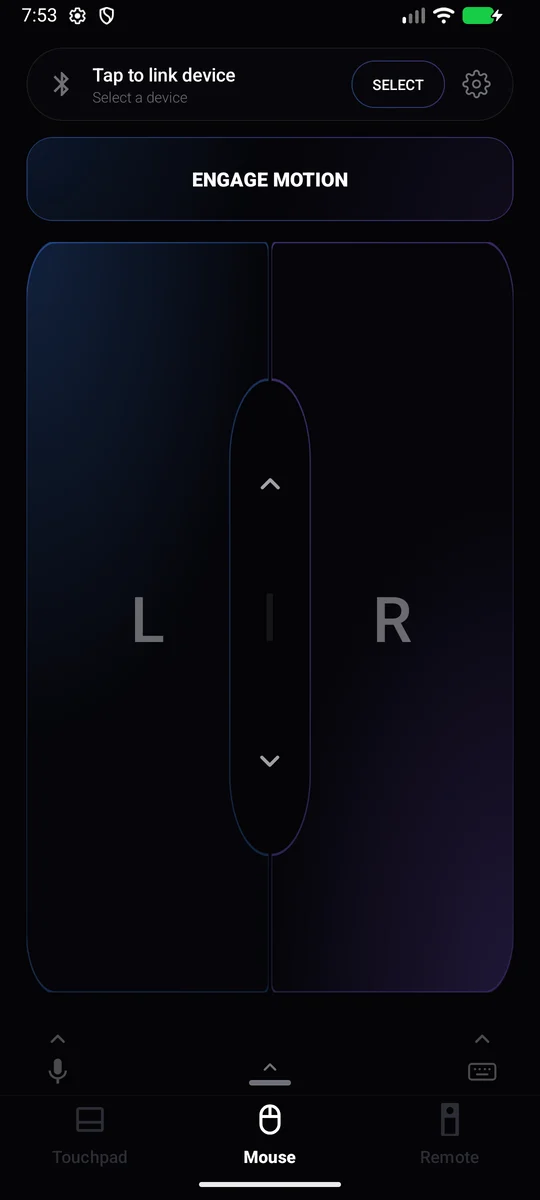
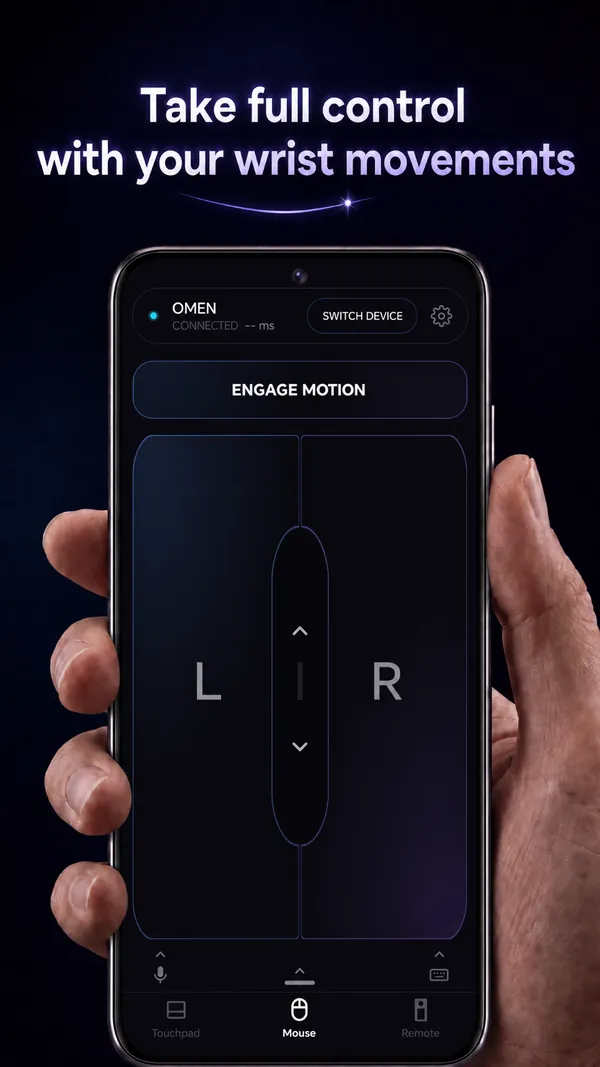
- MotionPoint by turning your wrist. The gyroscope moves the cursor, like a presenter's wand.
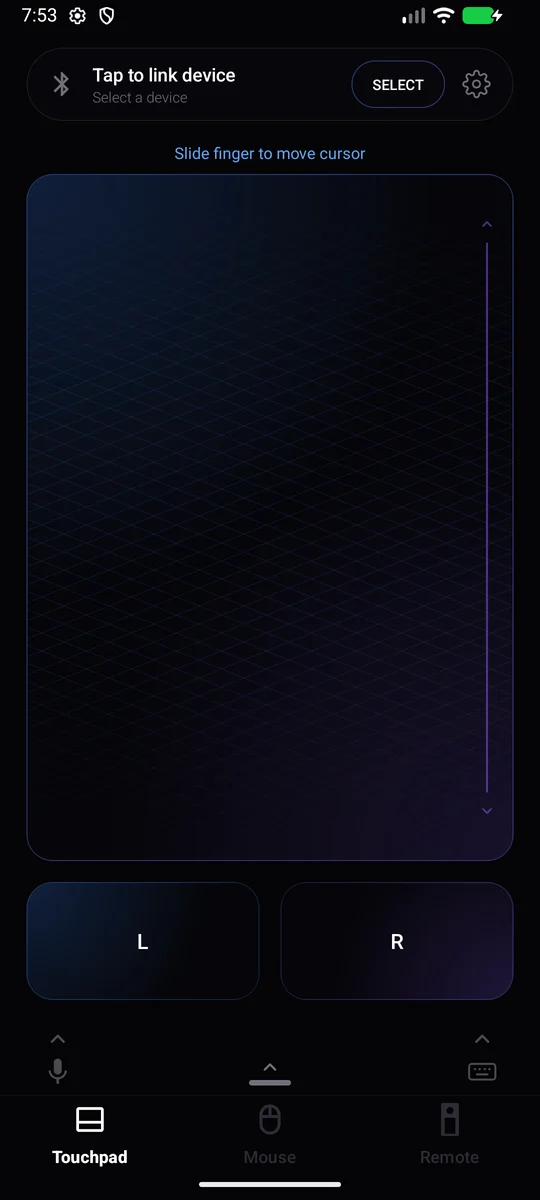
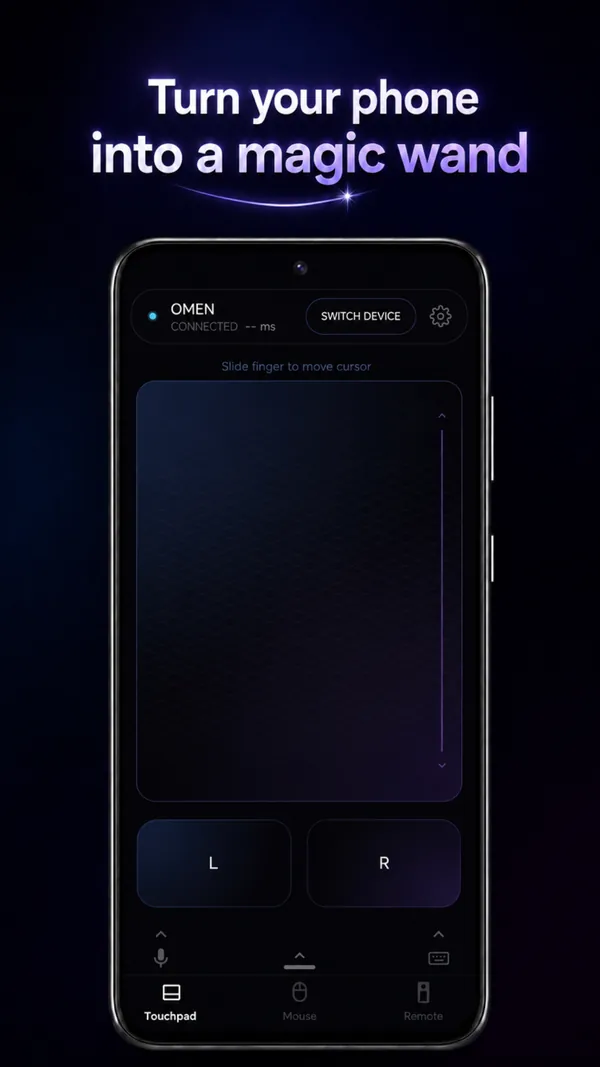
- TouchpadSlide a finger to move the cursor, with left and right buttons. The volume keys can act as left and right click.
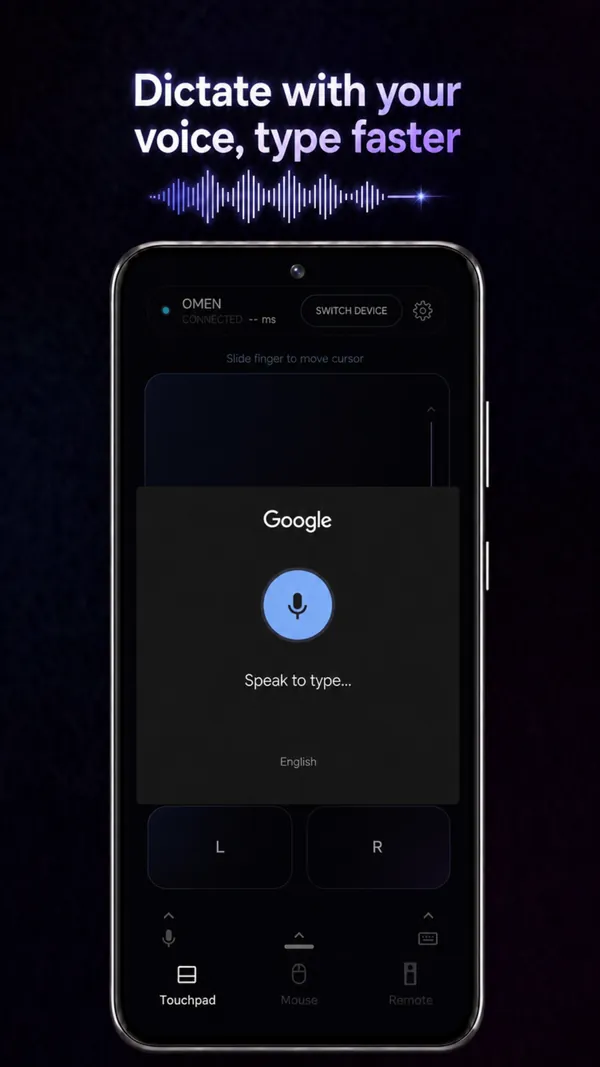
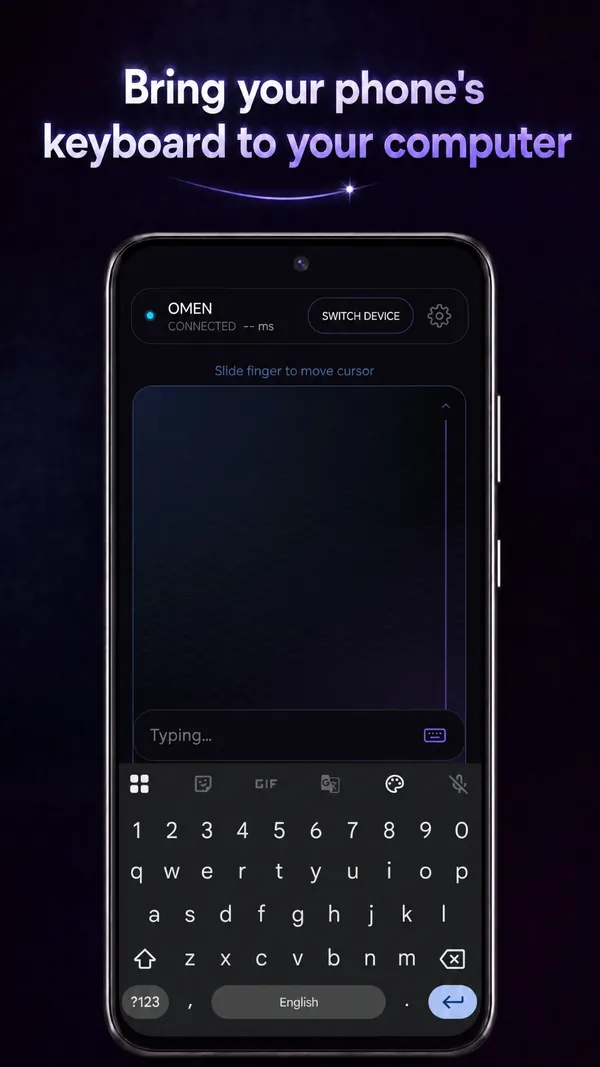
- KeyboardType on the phone's keyboard or dictate with your voice. Select and copy text, then paste it onto your computer.
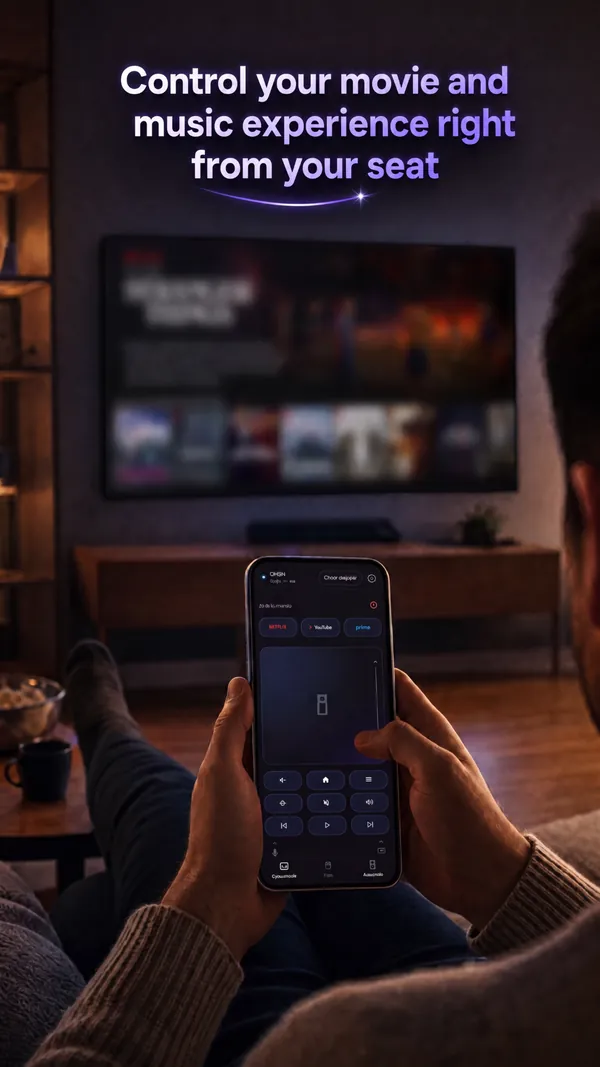
- RemoteMedia, volume, back, home and menu keys, for a TV across the room.
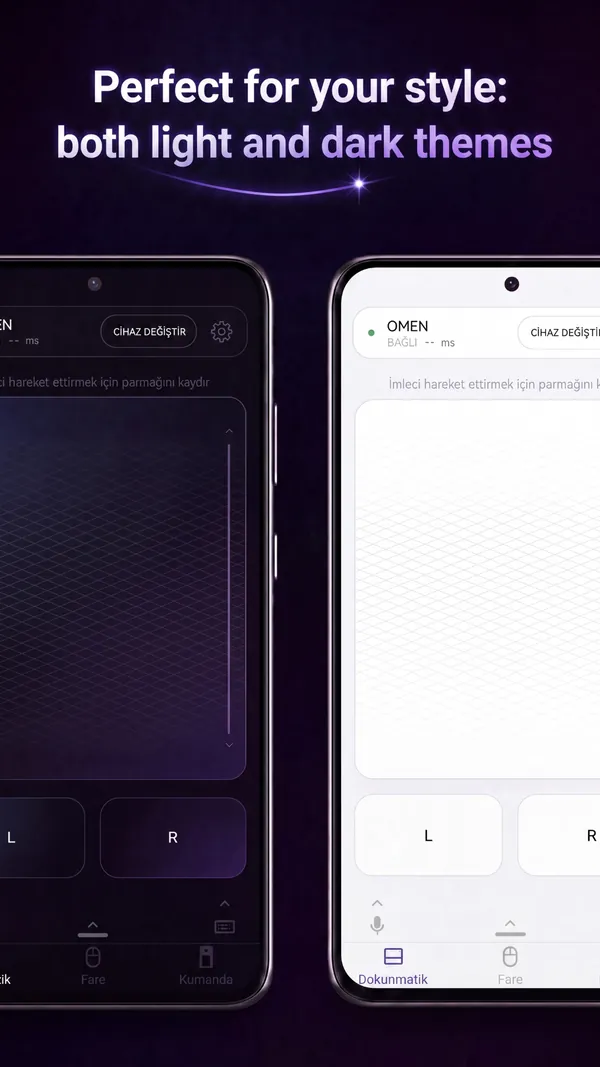
- LooksLight and dark themes, in 30 languages.
Screens
Pairing
- WindowsSettings › Bluetooth & devices › Add device › Bluetooth, then pick your phone's name and confirm on both screens.
- MacSystem Settings › Bluetooth, then pick your phone's name.
- TV, tabletBluetooth settings › Pair new device. Some TVs do not accept a mouse pointer; the remote keys still work there.
- After thatTurn on Auto-Connect and the app connects to the last device as soon as it starts.
Questions
Do I install anything on my computer?
No. Your phone shows up as an ordinary Bluetooth mouse and keyboard, the same kind of device a computer already knows how to use.
Does it need the internet?
Controlling your devices runs over Bluetooth only. What you type and click travels from your phone straight to the device it is paired with.
The phone does not find my computer.
Start the pairing from the computer or TV side, with the app open. On Android 11 and older, Bluetooth scanning also needs location to be on; the app walks you through it.
What data does it collect?
Your typing and clicks never leave the Bluetooth link. The app uses Google services for anonymous usage statistics, crash reports and ads; the details are in the privacy policy.